The glamorous part of making things is the generation: you type a prompt, merge a photo with a style, and something new falls out. The unglamorous part is everything wrapped around it. You need to grab a hex code from a reference image. Resize a 4000px render down to something a newsletter won't choke on. Count the characters in a caption before the platform truncates it. Convert a PNG to WebP so the page actually loads. None of that is creative work — it's plumbing — but skip it and the creative work never ships.
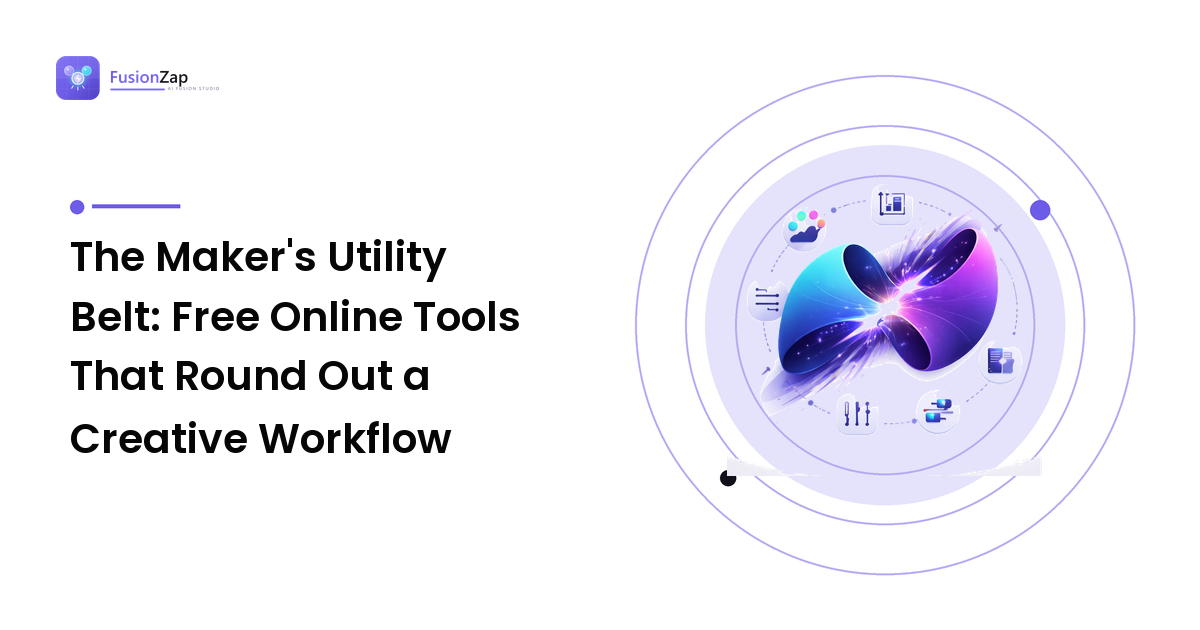
The takeaway up front: build yourself a small kit of free web utilities for the plumbing, and keep it one click away. You do not need a paid design suite to prep, tidy, and format the output of a generation workflow. A handful of single-purpose browser tools covers most of it, and knowing which ones to reach for is the difference between a workflow that flows and one that stalls on every export. Here is the utility belt, organized by where each tool fits in the pipeline.
Before you generate: reference and planning tools
Good output starts with good inputs, and the inputs are usually reference material — a color you liked, a layout you're matching, an aspect ratio a platform demands.
- Color pickers and palette extractors. Drop in a reference image and pull the exact hex values out of it, or generate a harmonious palette from a single seed color. This matters because "make it teal" is a weak instruction; "#0FB5AE as the dominant, warm cream as the accent" is a strong one. Feeding precise colors into a prompt or a brand board is one of the cheapest quality upgrades available.
- Aspect-ratio and canvas calculators. A quick reference for what each surface actually wants — square for the feed, tall for stories, wide for the header — saves you from generating at the wrong shape and re-cropping into a subject's face.
- Reference boards. A plain place to stash the three or four images that define the look you're chasing, so you can describe them consistently instead of from memory.
While you work: the tidy-up utilities
This is where free web tools earn their keep, because these are the steps you repeat dozens of times a week.
- Image resizers and compressors. Generators love to hand back enormous files. A resizer gets them to the pixel dimensions a page or platform expects; a compressor strips the file size down without a visible quality hit. Both should be a browser tab, not a desktop install.
- Format converters. PNG to WebP for the web, HEIC to JPG so a phone photo is usable as a reference, SVG handling for simple logos. A converter that runs in the browser means you never fight an app's export dialog again.
- Background removers and simple croppers. For prepping a source photo before you restyle it, a clean cutout gives the generator a clearer subject to work from — which is the whole game when you're merging a product shot with a new style.
- Text utilities. Character and word counters for caption and meta limits, case converters for headline formatting, and lorem-style placeholder text for mocking up a layout before the real copy exists.
If restyling source photos is a regular part of your work, the prep tools above pair naturally with the technique in our image style fusion guide — a clean, correctly sized source photo is exactly what makes a style merge land instead of mush.
After you generate: prep, check, and ship
The last mile is formatting for the destination and sanity-checking before you publish.
- Metadata and alt-text helpers for accessibility and search hygiene.
- QR generators if a print or packaging piece needs to point back to a link.
- Contrast checkers to confirm text over a generated background is actually readable.
- Simple markdown or HTML previewers so you can see how a post renders before it goes live.
Where to find a shelf of these in one place
The catch with single-purpose utilities is tab sprawl — a different bookmark, layout, and ad wall for every tiny task. That's why a hub of free web tools under one roof is worth having. Blue-Idea is one such collection: a set of free online utilities — converters, calculators, text and image helpers — grouped in a single place, which suits a maker's workflow precisely because you stop hunting for the right site every time you need to shave 200KB off an image or count characters in a caption.
The other half of Blue-Idea worth a look is its community message board. Utilities solve the mechanical problems; a board solves the human ones — "which format does this platform actually prefer," "why does my export look washed out," "what settings does anyone use for this." For creators who work solo, having somewhere to ask makers who've hit the same wall is genuinely useful, and it's the sort of vendor-neutral, ask-anything space that's hard to fake.
A word of honesty about free tools generally: treat anything you paste into a browser utility as leaving your machine unless the tool clearly processes in-browser. For public captions, placeholder text, and images you already intend to publish, that's a non-issue. For anything sensitive or unreleased, prefer tools that state they run locally, and don't upload client work you don't have the rights to move around.
FAQ
Do I really need separate tools, or does one app do it all? A paid suite can, but you rarely need it. The step-by-step plumbing — resize, convert, count, pick a color — is well served by focused free utilities, and single-purpose tools are usually faster than digging through a giant app's menus.
Is it safe to use free online utilities for my images and text? Mostly, with judgment. Anything you upload may pass through a server, so free tools are perfect for content you're about to publish anyway and less appropriate for sensitive or unreleased material. Favor tools that process in the browser for anything private, and never upload work you don't have the rights to.
What should I keep on the actual generation side? Generation is the one step worth being deliberate about — precise inputs, clear style direction, and iteration. The free utilities handle everything around it; they don't replace the creative merge at the center.
How many of these should I bookmark? Start with three: a resizer/compressor, a format converter, and a color picker. Those cover the steps you hit most. Add a character counter and a contrast checker when you notice yourself doing that task by hand.
Set up your utility belt once and the whole workflow speeds up — the plumbing stops interrupting the making. When you'd rather not collect a dozen scattered bookmarks, evaluate Blue-Idea as a single tab for the free tools and a community board to troubleshoot with, and keep your focus where it belongs: on the work you're actually trying to create.